 XC Techs Knowledge Base We Are Here to Help You In Style
Related Articles



I am sure you came across this type of problem too, Trying to add a source and when your done. Its not Correct Spelling or Link don’t work… Here is how you can Remove it Step By Step…
1. Launch Your XBMC
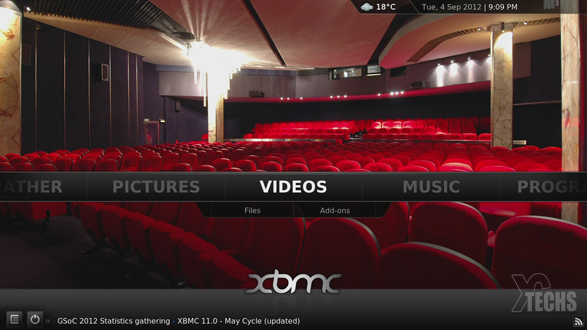
2. Use your Remote and Scroll To The Right till you See Settings
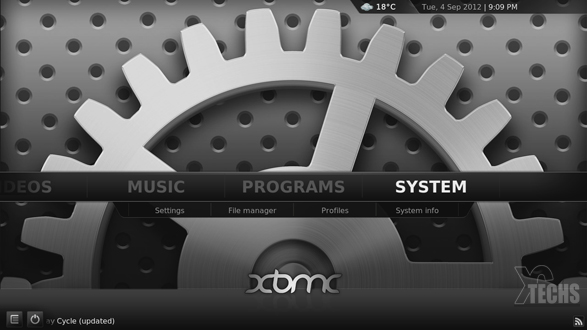
3. Select File Manager
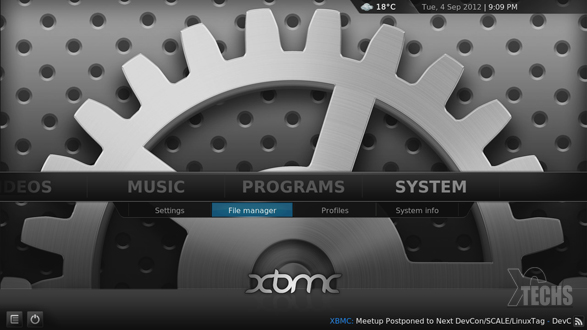
4. Highlight The Wrong Source You want to remove
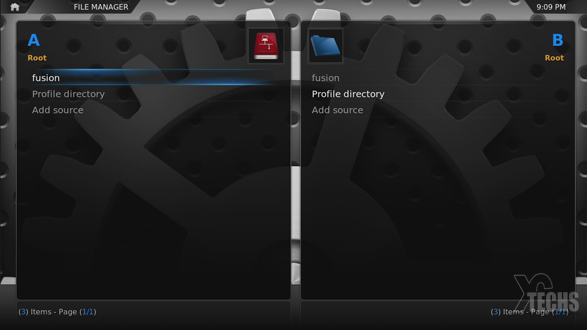
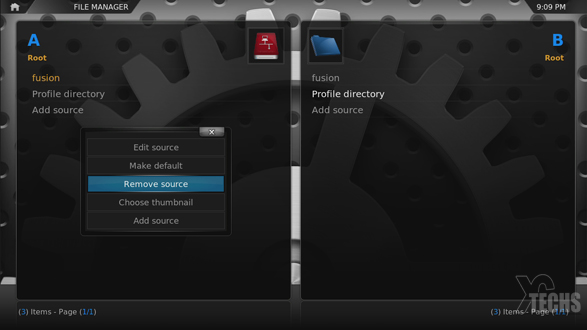
5. Hold Menu for 3 Seconds a Menu Should PopUp and Select Remove Source
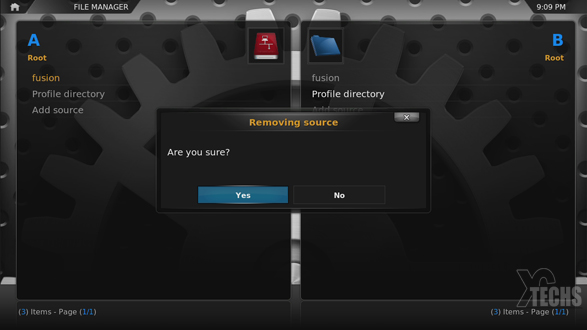
6. You should see a Confirmation for Removing Source Select YES
7. Now it should be Gone and Your screen should look like this, unless you have more
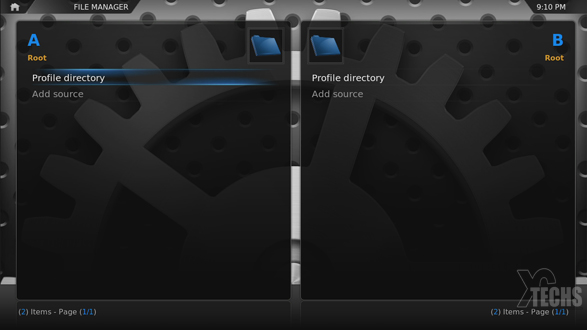
That is all, Your done… If you want to add The Correct Fusion Server Click Here